ERNIE-Image Complex Instruction Stress Test: Multi-Object, Counting, Attribute Binding & Long-Text Rendering in Practice
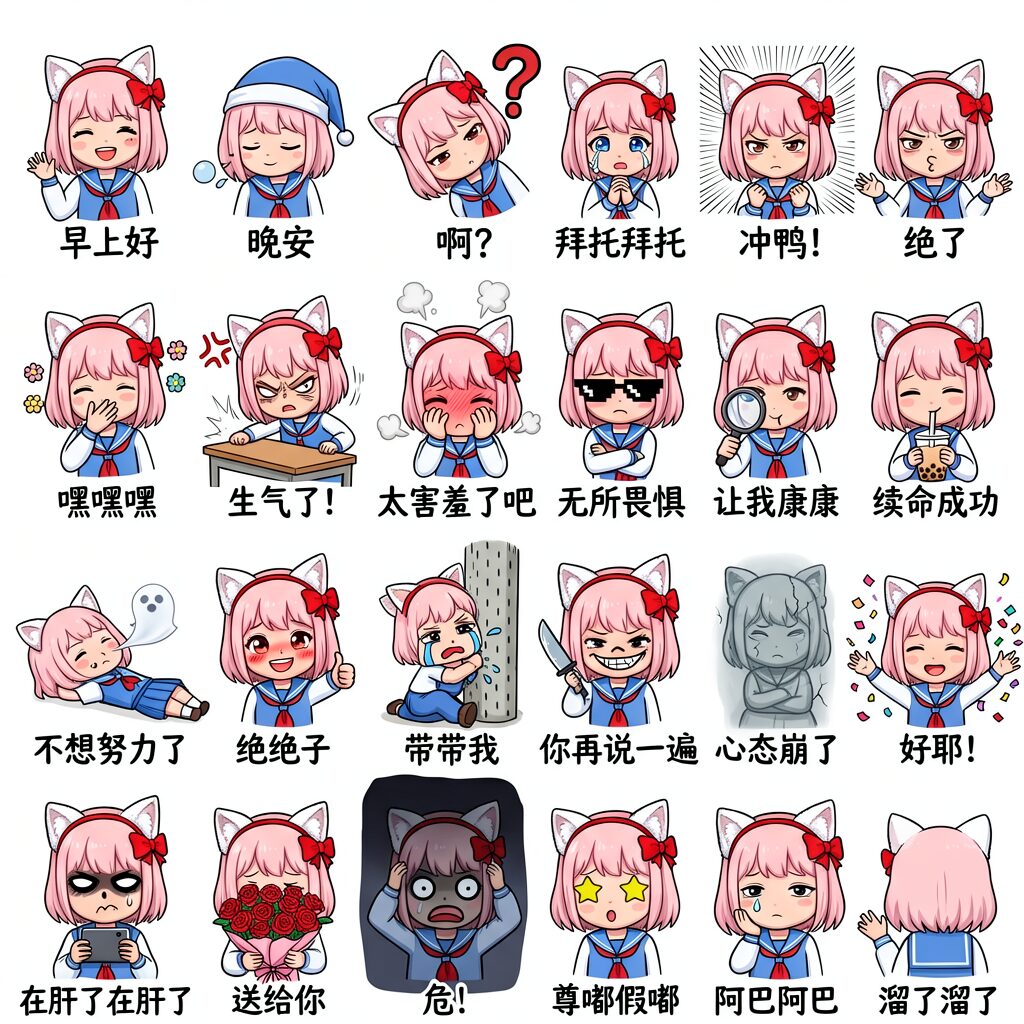
Give a model a prompt that says "draw nine characters, each with a different pose, different outfit, and different text next to them" — and watch what happens. Some models render the caption "bye bye!" as "bye!", some lose count of the characters entirely, and some start falling apart by the third figure. This is a real comparison documented in the ERNIE-Image technical report — complex instruction following is exactly the battlefield where it goes head-to-head with top closed models.
For designers and content creators, complex instruction following determines whether a single prompt can produce posters, comic panels, and infographics — work where content accuracy matters as much as aesthetics. This article breaks down ERNIE-Image's capability: how the official benchmarks measure it, which scenarios it handles best, and how to write prompts that actually work.
How the Benchmarks Work
ERNIE-Image's instruction-following ability is measured by three suites. GenEval tests compositional generation — six task families: single object, two object, counting, colors, position, and attribute binding. OneIG-Bench tests knowledge-dense and reasoning-type instructions. LongTextBench tests long-text rendering. Together they span the full difficulty gradient, from "draw a red apple" to "draw a nine-cell sticker sheet."
The Compositional Scorecard
On GenEval, ERNIE-Image scores 0.8856 overall with the Prompt Enhancer off — the top open-source model at release. Per-category: single object 1.0000, two object 0.9596, colors 0.9282, position 0.8550, attribute binding 0.7925, counting 0.7781.
Counting is the hardest — "draw 7 objects" is inherently unfriendly to diffusion models, and 0.7781 is already top-tier open-source. Attribute binding is next; it requires rendering correspondences like "red goes to the apple, not the chair." If you're generating multi-object scenes, these two set your ceiling.
The PE On/Off Question
The Prompt Enhancer is ERNIE-Image's signature component, but whether to enable it depends on the task. Official data shows a clean division of labor: for compositional generation (GenEval), PE off is more accurate (0.8856 vs 0.8728) because rewriting can drop precise bindings; for knowledge-dense and reasoning instructions (OneIG-Bench), PE on is stronger (0.5750 vs 0.5537); for long-text rendering, PE on is slightly better (0.9733 vs 0.9636).
The practical rule of thumb: turn PE off for prompts you've already written precisely; hand short prompts to PE for expansion. For complex scenes and exact layouts, definitely disable it — you don't want the enhancer touching your layout description.
Long-Text Rendering
On LongTextBench, ERNIE-Image with PE averages 0.9733 (0.9804 EN / 0.9661 ZH), second only to Seedream 4.5 and ahead of GLM-Image (0.9656), Nano Banana 2.0 (0.9650), and Qwen-Image-2512 (0.9604). Being strong in both English and Chinese is a real advantage for teams producing Chinese posters and comics.
Writing Multi-Object Prompts
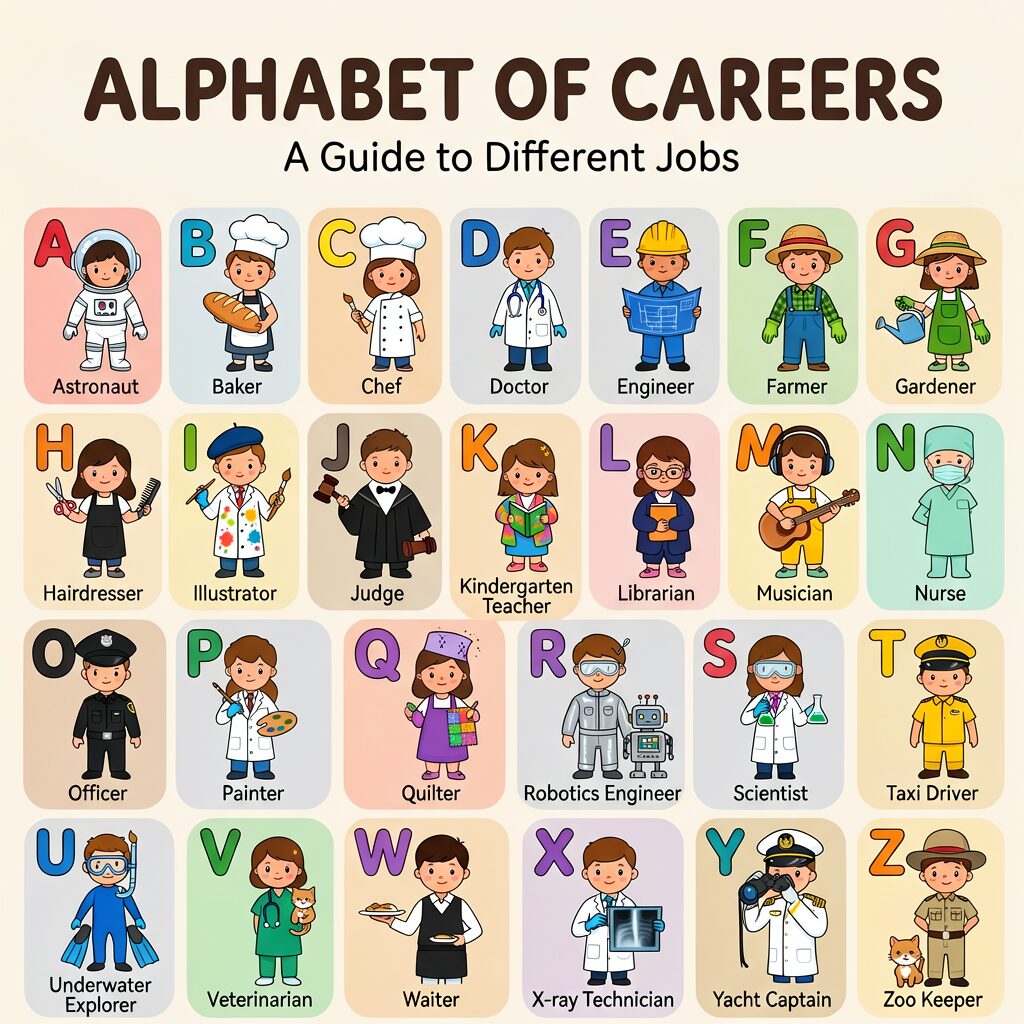
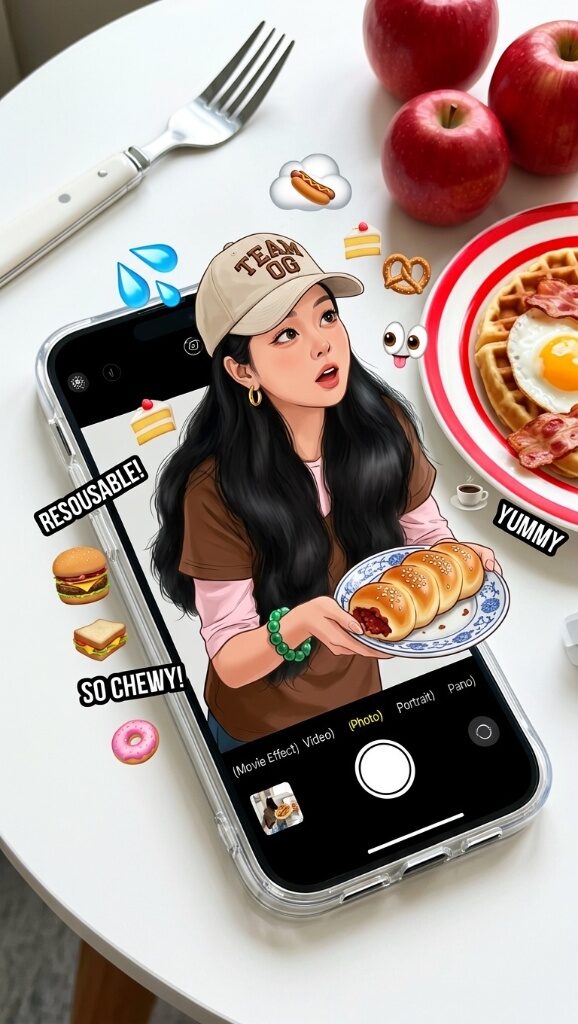
The core of multi-object prompting is describing each object independently. The nine-cell sticker case in the technical report is the template: first give the global layout (4 rows × 6 columns, unified art style, one protagonist), then describe each cell's pose, expression, and caption one by one. This "overview-then-details" structure spreads out the pressure of counting and attribute binding, making it easier for the model to keep up.
Another key is explicit spatial language. "A on the left, B on the right" is far more reliable than "A and B"; "title on top, body below" beats "there's a title and body." ERNIE-Image's 0.8550 on position tasks means it understands spatial words — but you have to state the relationships clearly.
Knowledge-Dense Instructions
ERNIE-Image also handles prompts that require background knowledge. OneIG-Bench tests exactly this — "a Tang Dynasty general" implies specific armor styles, "a Jiangnan water town" implies white walls and dark tiles. The 0.5750 with PE on shows it can fill in implicit knowledge. Practical tip: for cultural, historical, and occupational terms, be as specific as possible so the model has something concrete to work from.
Structured Layouts
ERNIE-Image's most underrated capability is structured generation. Infographics, comic panels, and multi-panel layouts — tasks where the image has an explicit typographic structure — are its comfort zone. The recommended approach is explicit grids plus per-cell descriptions: first define "8 sections, 2 rows × 4 columns, flat vector style, dark background with gold text," then fill in each section. The 0.9733 text-rendering foundation keeps every section's title, number, and caption crisp.
A Practical Checklist
Here's a checklist you can copy directly. Before generating a complex scene, confirm four things: every object has an independent color/material description; quantities are stated explicitly ("exactly 7"); spatial relations use unambiguous words ("left/right/above/below"); and PE is turned off. Hit all four and most of the GenEval failure modes disappear.
Complex instruction following is the watershed capability of open-source text-to-image in 2026. ERNIE-Image holds the top tier of open models in this area with only 8B parameters — not by stacking parameters, but by biasing its training data toward content accuracy. For teams using AI image generation in real production, this capability matters more than raw aesthetics — because when the text on a poster is wrong, the most beautiful image still has to be redrawn.