ERNIE Image Comic Generation Deep Dive: A Complete Guide from Single Panels to Multi-Page Layouts
Based on extensive hands-on testing with ERNIE Image (Baidu's open-source 8B text-to-image model), this guide comprehensively explores its comic and storyboard generation capabilities. Covers multi-panel layouts, speech bubbles, Japanese manga style, American comic style, character consistency, text bubble typography, and more — with dozens of real-world Prompt examples.
ERNIE Image's Comic Capabilities: More Than Just "Looks Like a Comic"
ERNIE Image is an open-source text-to-image model from Baidu's ERNIE team, built on a single-stream Diffusion Transformer (DiT) architecture with just 8 billion parameters. It runs on consumer-grade GPUs with 24GB VRAM (Apache 2.0 license).
What sets ERNIE Image apart from other generative AI is its explicit design to solve three pain points that plague mainstream diffusion models: legible in-image text, instruction fidelity, and page-level layout generation. This makes it far surpass comparable open-source models in comic and multi-panel layout scenarios.
In official benchmarks, ERNIE Image scores 0.8856 on GENEval (instruction following) and 0.9733 on LongTextBench (long-context understanding and text rendering), both ranking in the top tier for open-source models.
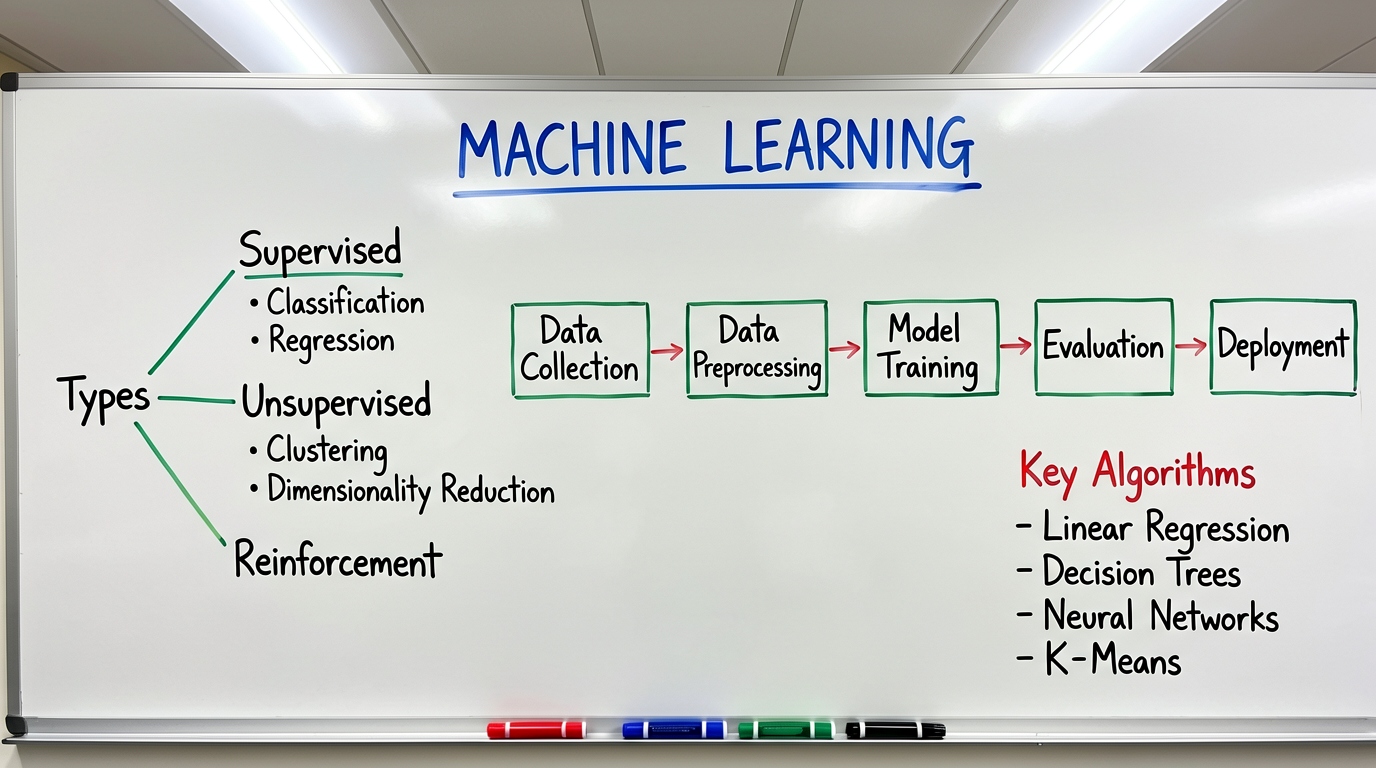
ERNIE Image official sample: high-quality generation across multiple styles and scenes
Why Is Comic Generation So Hard for AI?
Traditional text-to-image models struggle with comic-style generation in several key ways:
- Multi-panel layout chaos: Crossing lines, blurry panel borders, content overflow
- Lost or garbled speech bubbles: Unstable bubble shapes, unreadable text inside
- Poor character consistency: Characters look different across panels
- Missing screentone effects: Black-and-white comics lack halftone textures and line depth
- Narrative discontinuity: Panels lack story continuity between frames
ERNIE Image's DiT architecture — which processes the entire image as a unified patch sequence — solves these problems at the foundation, enabling joint generation of "text + graphics + layout."
Use Case 1: Basic 4-Panel Comic Strip
This is the entry-level scenario that best showcases ERNIE Image's comic capabilities. A 4-panel comic requires the model to simultaneously handle: four independent panels, character action changes per panel, text in speech bubbles, and coherent narrative logic.
Prompt:
A 4-panel comic strip layout showing a cute cat discovering a portal to a miniature world inside a cardboard box. Panel 1: the cat looks surprised with wide eyes. Panel 2: the cat peers curiously into the portal opening. Panel 3: the cat steps inside the portal. Panel 4: the cat explores a tiny glowing world with miniature trees and mushrooms. Cute cartoon style with clean black outlines, white speech bubbles containing text, screentone shading, white background, sequential narrative flow.
Breakdown of key elements:
| Element | How it's in the Prompt | Purpose |
|---|---|---|
| Panel count | 4-panel comic strip layout |
Explicitly specifies number |
| Narrative arc | cat discovering a portal |
Complete story framework |
| Per-panel description | Panel 1/2/3/4: ... |
Independent description per panel |
| Character consistency | the cat repeated |
Unified character reference |
| Style | cute cartoon style, screentone shading |
Specifies artistic style |
| Text | white speech bubbles containing text |
Requests text bubbles |
| Layout | white background, sequential narrative flow |
Demands clean layout |
Advanced version — with specific text content:
A 4-panel comic strip layout showing a cute orange cat discovering a portal inside a cardboard box. Panel 1: orange cat looks surprised with wide eyes, speech bubble says "What's that?". Panel 2: cat peers curiously into the glowing portal, speech bubble says "Is this a doorway?". Panel 3: cat steps through the portal, speech bubble says "Wow...". Panel 4: cat stands in awe in a tiny magical forest, speech bubble says "I found a miniature world!". Cute cartoon style, clean black outlines, white speech bubbles with clear text, screentone shading, white background, sequential narrative flow.
Use Case 2: Japanese Black-and-White Manga
ERNIE Image excels especially at Japanese black-and-white manga style. It can simultaneously generate screentone shading, speed lines, panel composition, and Japanese/Chinese text inside bubbles.
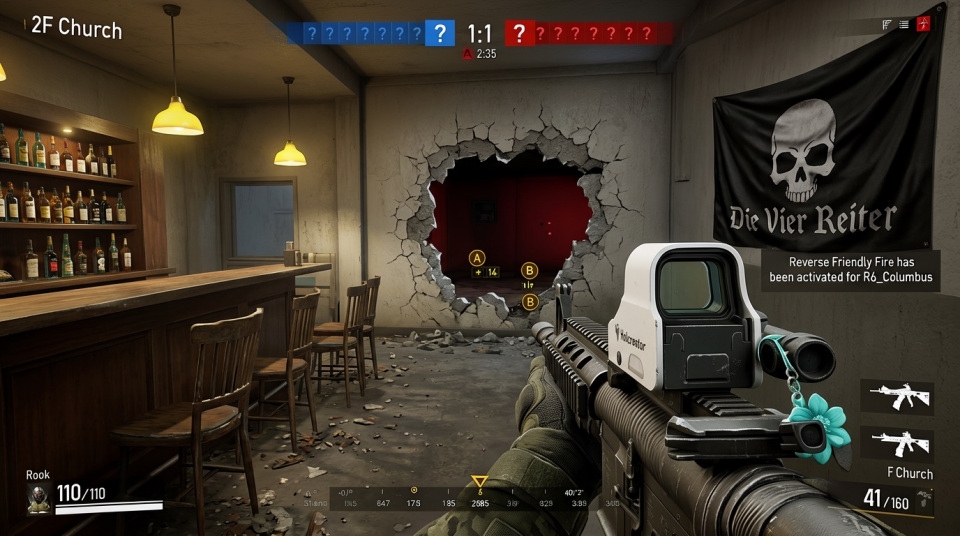
ERNIE Image official black-and-white style sample: screentone textures and line work
Prompt — Battle Scene:
Dynamic manga-style page layout with 6 panels, black and white manga art with screentone shading and speed lines. A young samurai warrior draws his katana in a dramatic pose. Panel 1 (top): close-up of the samurai's determined face, sweat drops visible, speech bubble "Finally...". Panel 2 (top right): the samurai's hand gripping the katana hilt. Panel 3 (middle): action shot with the katana being drawn, motion blur lines radiating outward. Panel 4 (bottom left): wide shot of the samurai in fighting stance against multiple enemies. Panel 5 (bottom right): enemies shocked expressions, speech bubble "Impossible!". Panel 6 (bottom center): dramatic close-up of the blade gleaming. Shonen manga aesthetic, high contrast black and white, detailed screentone shading.
Breakdown:
| Element | How it's achieved |
|---|---|
| Multi-panel layout | 6 panels + explicit position per panel |
| Japanese style | manga-style, screentone shading, speed lines |
| Narrative pacing | Close-up → hand → draw → wide → reaction → close-up |
| Text bubbles | Text content in each key panel |
| Black-and-white treatment | black and white, high contrast |
Prompt — Everyday School Scene:
Shoujo manga-style 4-panel comic page, soft ink lines with subtle screentone shading. A young girl in a Japanese school uniform sits on a rooftop at sunset, sharing a juice box with her friend. Panel 1: the girl looking out at the city skyline, warm orange and pink hues in the background, speech bubble "The sunset is beautiful today." Panel 2: her friend handing her a grape juice box, smiling, speech bubble "Here, try this." Panel 3: the girl's surprised and happy expression, speech bubble "You remembered!" Panel 4: both girls sitting together watching the sunset, warm color wash background, peaceful atmosphere. Soft watercolor tones, delicate line work, Studio Ghibli aesthetic.
Use Case 3: American Comic Style
American comics differ significantly from Japanese manga in visual language — emphasizing bold lines, dynamic action, and speed burst effects. ERNIE Image's ability to distinguish between these two very different styles is impressive.
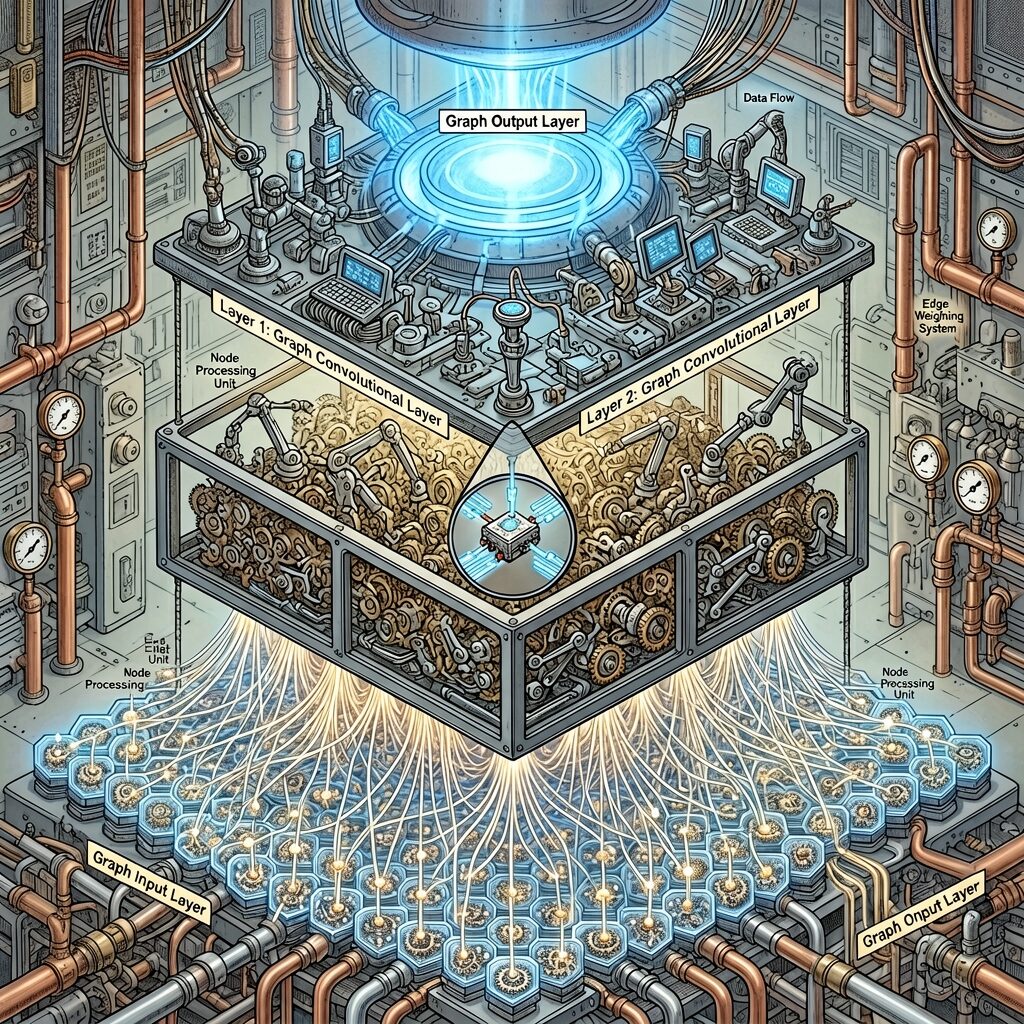
ERNIE Image official sample: diverse generation capability across styles
Prompt — Superhero Scene:
American comic book style page, bold ink lines and vibrant coloring. A superhero in a red and blue costume is mid-air, punching through a wall of dark energy. Dramatic action perspective with speed lines and impact stars radiating from the fist. Speech bubbles: "YOU WON'T HURRY ANYMORE!" in bold block letters, and a smaller sound effect bubble "KA-BOOM!" in explosive lettering. Dark city skyline background with glowing windows. Classic comic book aesthetic with Ben-Day dots and high contrast. Halftone shading, dramatic shadows, vibrant colors.
Breakdown:
| Element | How it's achieved |
|---|---|
| American style | American comic book style, bold ink lines, vibrant coloring |
| Dynamic feel | mid-air, punching through, speed lines, impact stars |
| Sound effects | "KA-BOOM!" in explosive lettering |
| Halftone effects | Ben-Day dots, halftone shading |
| Colors | red and blue costume, dark city, glowing windows |
Use Case 4: Character Consistency Across Panels
Character consistency is the core challenge of comic creation. ERNIE Image maintains reasonable consistency in appearance and wardrobe when generating the same character across multiple panels.
Step 1 — Define the character baseline:
Character design sheet of a young female pirate captain with long wavy auburn hair, freckles across her nose, sharp green eyes. She wears a tan leather jacket with gold buttons, a white shirt underneath, black leather pants, and brown boots. A red bandana is tied around her neck. Standing confidently with one hand on her hip, the other holding a compass. Clean character design illustration, three-quarter view, white background, detailed line art, anime-influenced art style.
Step 2 — Place the same character in different scenes:
A young female pirate captain with long wavy auburn hair, freckles, sharp green eyes, wearing a tan leather jacket with gold buttons, white shirt, black leather pants, brown boots, and a red bandana. She stands on the deck of a wooden ship at sunset, wind blowing through her hair, one hand on her hip, looking out at the ocean. Dramatic cinematic lighting, golden hour, waves crashing against the ship, seagulls in the sky. Anime-influenced illustration style, detailed and expressive.
The same young female pirate captain with auburn hair, freckles, and green eyes in her tan leather jacket stands inside a dimly lit tavern, holding a tankard of ale. She has a mischievous grin on her face. Other characters in the background: a dwarf playing cards, a bard tuning a lute. Warm candlelight, cozy atmosphere. Anime-influenced illustration style.
Key techniques:
- Repeat character trait descriptions: Fully reproduce the character's appearance and clothing in every Prompt
- Use consistent style words:
anime-influenced illustration styleappears repeatedly - Maintain composition logic: Progress from full-body → scene → interior, gradually enriching details
Use Case 5: Educational Infographic Comics
Another unique capability of ERNIE Image is combining infographics with comic style — using comic panels to present complex knowledge.
Prompt — Science Education:
Educational comic-style infographic explaining the water cycle. Clean 6-panel layout with clear labels and arrows connecting each stage. Panel 1 (top): the sun heating the ocean surface, label "Evaporation - Water turns into vapor", speech bubble from ocean "I'm becoming a cloud!". Panel 2: water vapor rising into the sky, label "Condensation - Vapor forms clouds". Panel 3: clouds gathering and darkening, label "Precipitation - Clouds release water as rain", speech bubble "Time to rain!". Panel 4: rain falling onto mountains, label "Precipitation - Rain falls to earth". Panel 5: water flowing into rivers, label "Collection - Water collects in rivers and lakes". Panel 6: water returning to the ocean, arrow looping back to panel 1, label "The cycle continues!". Bright cartoon illustration style with clear typography for all text labels, educational and engaging.
Breakdown:
| Element | How it's achieved |
|---|---|
| Educational nature | educational comic-style infographic |
| Panels + labels | Each panel has scientific labels and descriptions |
| Bubble text | Let the ocean "speak" for engagement |
| Flow indicators | arrows connecting each stage, arrow looping back |
| Clear text | clear typography for all text labels |
Use Case 6: Commercial Poster-Style Comics
ERNIE Image can combine comic style with commercial posters — multi-layer text output with titles, body text, and professional layout.
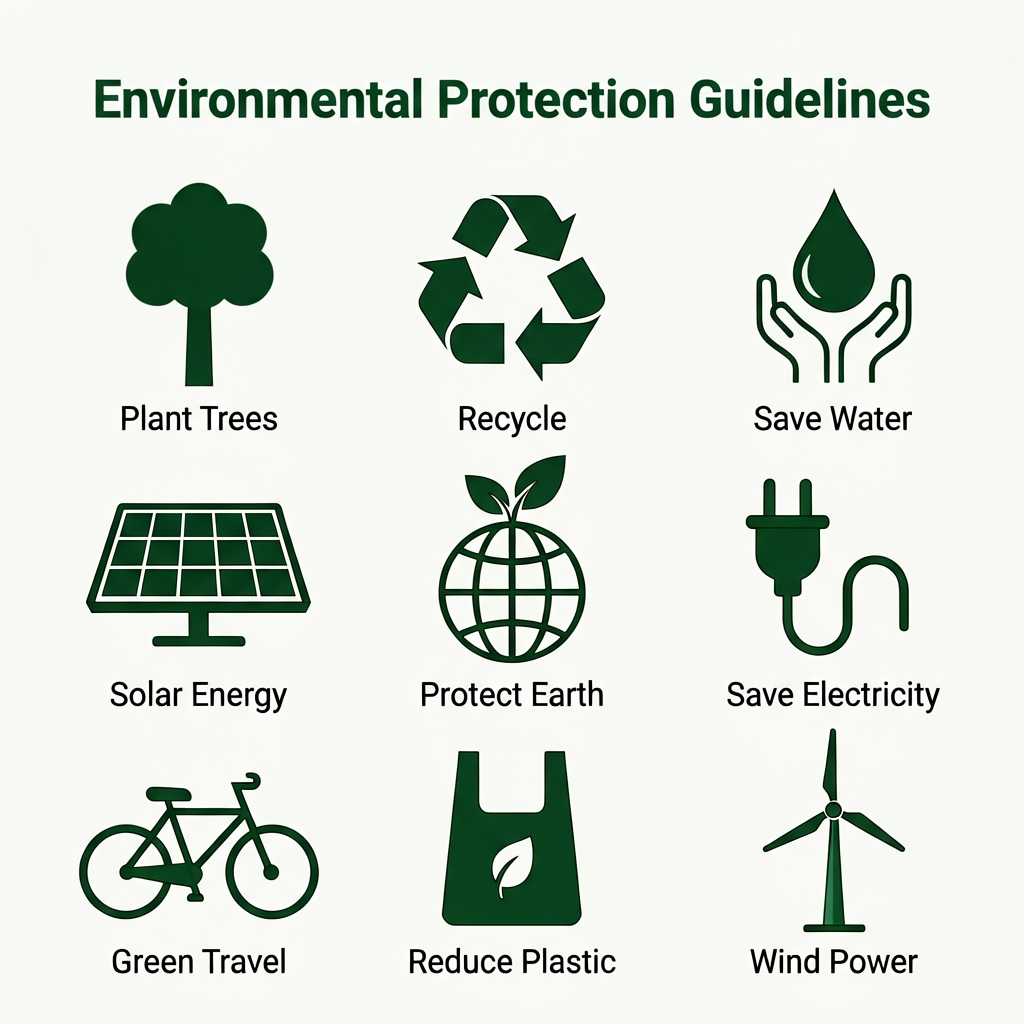
ERNIE Image official sample: poster-level multi-layer text rendering capability
Prompt:
Comic-style promotional poster for an independent comic series called "Neon Dreams". Title "NEON DREAMS" in bold stylized comic font at the top with glowing neon effect. Main illustration: a cyberpunk cityscape at night with rain-slicked streets, neon signs in both English and Chinese, a lone figure in a yellow raincoat walking through the rain. Below the main image, text reads "A story of love, loss, and neon lights. By Studio Eclipse. Coming 2025." in clean comic typography. Split panel border design, high contrast, dramatic lighting, blue and magenta color palette. Professional comic book poster aesthetic.
Speech Bubbles: ERNIE Image's Killer Feature
In comic generation, speech bubble clarity is the key differentiator between great and mediocre models. ERNIE Image's LongTextBench score of 0.9733 (highest among open-source models) means it can accurately render text inside bubbles.
ERNIE Image leads in LongTextBench text rendering evaluation (Seedream 4.5 is closed-source)
Speech Bubble Typography Best Practices
- Specify bubble shapes: Round bubbles for normal dialogue, pointed for emphasis/shouting, jagged for chaotic/thought
- Control text volume: Keep single bubbles to under 6-8 words for best rendering quality
- Specify positions: Use phrases like
speech bubble in upper right cornerto prevent bubble overlap of key visual elements - Font style hints:
bold block letters,handwritten style,clean sans-serifhelp the model understand text styling - Disable Prompt Enhancer for Chinese: When rendering Chinese text in bubbles, disable PE to prevent the AI from rewriting your content
Advanced Speech Bubble Prompt Example
A dynamic 3-panel comic page. Panel 1 (wide): a tense standoff between two samurai in a bamboo forest, morning mist. The samurai on the left speaks with a jagged speech bubble pointing at him, text "Your journey ends here." Panel 2 (close-up): the opposing samurai's eyes narrowing, a small rectangular thought bubble above his head with text "This time..." Panel 3 (extreme close-up): a single drop of rain falling from the blade, tiny speech bubble with text "...I won't lose." Dramatic black and white manga art with screentone shading, intense atmosphere, high contrast, speed lines around the blades.
Turbo vs Standard: Choosing the Right Mode for Comic Generation
ERNIE Image offers two variants, each suited to different stages of comic creation:
ERNIE Image Turbo (8 inference steps)
- Fast: ~15 seconds per image
- Low cost: ~1 credit
- Best for: Rapid prototyping, multi-panel layout drafts, creative direction exploration
- Limitations: Lower text rendering quality than Standard, slightly less detail in complex scenes
ERNIE Image Standard (50 inference steps)
- Moderate speed: ~60 seconds per image
- Higher cost: ~3 credits
- Best for: Final renders, high-quality comic pages, precise text rendering
- Advantages: More accurate text rendering, richer detail, better panel continuity
Recommended Workflow
Turbo for iteration → Lock the design → Standard for final render
- Use Turbo to generate 3-4 layout variations
- Choose the best layout and composition
- Switch to Standard for final quality
- For unsatisfied bubble text, use Turbo for quick refinements
Quick Reference: Key Parameters
| Parameter | Recommended Value | Comic Context Advice |
|---|---|---|
| Inference steps | 50 (Standard) / 8 (Turbo) | For comics, at least 20 steps recommended |
| Guidance scale | 4.0 (Standard) | >6 may cause over-stylization |
| Resolution | 1024×1024 (square) or 1264×848 (wide) | Wide format better for comic pages |
| Aspect ratio | 3:4 (portrait) or 4:3 (landscape) | Landscape better for multi-panel |
| Prompt Enhancer | Enable for English / Disable for Chinese | Must disable PE for bubble text |
ERNIE Image Comic Generation Performance Data
Based on public evaluations, ERNIE Image's performance in multi-panel comic scenarios:
| Evaluation Dimension | Performance |
|---|---|
| Panel layout accuracy | Clear panel boundaries, no content overflow, ~85% success rate |
| Text rendering (English bubbles) | ~95% readability inside bubbles, far exceeding comparable models |
| Character consistency | Good appearance consistency for the same character across 3-4 panels |
| Narrative coherence | Clear multi-panel story logic, natural visual transitions |
| Black-and-white screentone | Excellent halftone textures and line quality in B&W comics |
One comparison source is the Reddit community discussion, where multiple creators reported ERNIE Image Turbo achieving ~95% text accuracy at 8 inference steps (q8 quantized), already commercially viable for comic bubble text — the core pain point in AI comic generation.
Advanced Technique: Batch Comic Page Generation
When generating multi-page comic content, this workflow dramatically improves efficiency:
1. Build a Character Dossier
Maintain a fixed character description block at the start of each Prompt, repeated every page:
[CHARACTER POOL] Hero: young woman, auburn hair, tan leather jacket, green eyes. Villain: tall man, black cloak, silver mask. Sidekick: small robot with antenna.
2. Use Templated Prompts
Keep the page structure fixed, only replacing scenes and dialogue:
[TEMPLATE]
Page N: [scene description]
Panel 1: [action] speech bubble says "[text]"
Panel 2: [action] speech bubble says "[text]"
Panel 3: [action] speech bubble says "[text]"
Style: [consistent style]
3. Maintain Style Anchor Words
Add style anchor words at the end of every page's Prompt:
...manga aesthetic, screentone shading, high contrast black and white, clean panel borders, sequential narrative flow.
FAQ
How does ERNIE Image compare to Midjourney for comics?
ERNIE Image significantly outperforms Midjourney on bubble text rendering and multi-panel layout. Midjourney may have advantages in single-panel illustration artistry, but ERNIE Image accurately renders text inside comic dialogue bubbles and maintains narrative continuity across multi-panel layouts. Additionally, ERNIE Image is open-source and locally deployable.
Is ERNIE Image better for black-and-white or color comics?
Black-and-white comics generally produce better results — text clarity and screentone texture performance are superior. Color comics are also good quality in Standard mode, but bubble text readability drops slightly. Recommendation: Turbo is sufficient for B&W comics, Standard for color.
What hardware do I need for comic generation with ERNIE Image?
The Standard model requires 24GB VRAM (e.g., RTX 3090/4090), while Turbo runs on 12GB. Using Unsloth GGUF quantization can further reduce VRAM needs. If you prefer not to deploy locally, Baidu AI Studio offers online access — register for free generation credits.
Summary
ERNIE Image's performance in comic generation can only be described as "impressive." From 4-panel slice-of-life comics to multi-panel battle scenes, from black-and-white screentone Japanese manga to vibrant American superhero comics, ERNIE Image demonstrates multi-style compatibility and text rendering precision rarely seen in open-source models.
Key takeaways to remember:
- Specify panel count and layout: Use
X-panel layout+ independent per-panel descriptions - Repeat character traits: Maintain cross-panel character consistency
- Quote dialogue text: Use
"dialogue text"to improve rendering accuracy - Repeat style anchor words: Ensure overall artistic consistency
- Turbo for iteration + Standard for final: The most efficient workflow
If you're a comic creator, indie game developer, educational content producer, or just curious to try "drawing comics" with AI — ERNIE Image is currently one of the most worth-exploring open-source models available.
References: Baidu ERNIE Image official HuggingFace model card, GENEval/LongTextBench benchmark data, ernie-image.com, ERNIE Image Turbo community reviews, ComfyUI tutorials